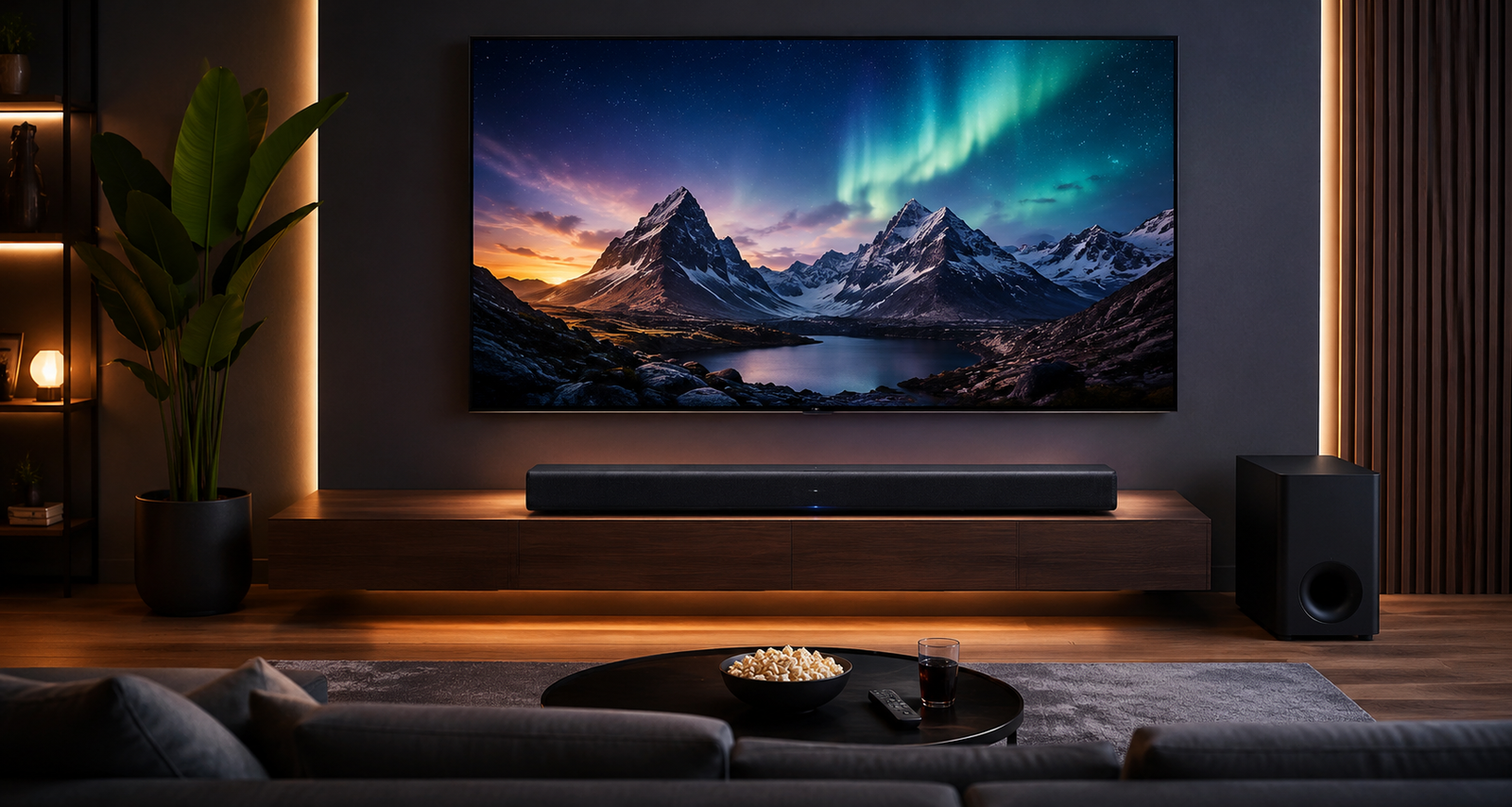
A great soundbar can completely transform your home entertainment setup. While modern TVs offer impressive picture quality, built-in TV speakers often lack the depth, clarity, and immersive audio needed for a true cinematic experience. A properly installed soundbar delivers powerful surround sound, deeper bass, clearer dialogue, and a more immersive atmosphere for movies, gaming, sports, and music.
Whether you’re building a premium Dolby Atmos setup or simply upgrading your living room audio, this guide covers everything you need to know about setting up your soundbar for the ultimate home theater experience.
Why a Soundbar Is Essential for Home Theater
Soundbars are designed to enhance your TV audio without the complexity of a traditional multi-speaker surround system. Modern soundbars now support advanced technologies like Dolby Atmos, wireless subwoofers, voice assistants, Bluetooth streaming, and rear surround speakers.
Benefits of Using a Soundbar
- Clearer dialogue during movies and shows
- Powerful bass for cinematic sound
- Space-saving design
- Easy setup compared to full home theater systems
- Wireless connectivity options
- Better gaming and music experience
- Support for Dolby Atmos and surround sound
Premium soundbars now offer theater-like immersion without requiring multiple complicated speaker installations.
Step 1: Choose the Right Location for Your Soundbar
Proper placement plays a huge role in sound quality.
Best Placement Tips
- Position the soundbar directly below the TV
- Keep it centered with the screen
- Avoid placing objects in front of the speaker
- Leave space around the soundbar for sound reflection
- Mount it at ear level if possible
Experts recommend placing the soundbar below the TV rather than above it for better sound projection and dialogue clarity.
Step 2: Choose the Best Connection Method
There are several ways to connect your soundbar to your TV.
HDMI ARC/eARC (Recommended)
HDMI ARC or eARC offers:
- Best sound quality
- Support for Dolby Atmos
- Easy single-cable setup
- Better synchronization
Most experts consider HDMI the best connection method for modern home theater systems.
Optical Cable
Good alternative if your TV lacks HDMI ARC support.
Bluetooth
Convenient for music streaming but not ideal for full home theater audio because of possible latency.
Wi-Fi
Useful for smart soundbars with multi-room streaming support.
Step 3: Add a Wireless Subwoofer
A subwoofer delivers the deep bass that makes movies feel cinematic.
Ideal Subwoofer Placement
- Place near the TV area
- Avoid corners if bass feels too heavy
- Keep some distance from walls
- Experiment with placement for balanced sound
Many premium soundbars now include wireless subwoofers for easier setup and cleaner cable management.
Step 4: Enable Dolby Atmos and Surround Sound
If your soundbar supports Dolby Atmos, enable it through:
- TV audio settings
- Streaming app audio settings
- HDMI eARC connection
Dolby Atmos creates immersive three-dimensional sound that makes audio feel like it’s moving around and above you.
Step 5: Optimize Sound Settings
Most soundbars include customizable sound modes.
Recommended Modes
- Movie Mode: Best for films and cinematic audio
- Music Mode: Balanced sound for songs
- Dialogue Mode: Enhances speech clarity
- Game Mode: Reduces latency for gaming
- Night Mode: Lower bass for quieter listening
Adjust bass and treble levels based on your room size and personal preference.
Step 6: Improve Room Acoustics
Even the best soundbar can underperform in a poor acoustic environment.
Easy Acoustic Improvements
- Add rugs or carpets
- Use curtains to reduce echo
- Avoid too many hard reflective surfaces
- Keep furniture balanced around the room
Better room acoustics create clearer and fuller sound.
Top Soundbars for the Ultimate Home Theater Experience
If you’re planning to upgrade your setup, these soundbars offer excellent performance across different budgets and room sizes.
Best Overall Premium Soundbar
Samsung HW-Q990F 756W 11.1.4 ch Q-Symphony with Wireless Dolby Atmos Soundbar
₹92,990•Samsung.com + others
4.9 (4.5K)
₹92,990•Samsung.com + others•
4.9 (4.5K)
The Samsung HW-Q990F is ideal for users who want a true theater-like experience at home. Its 11.1.4 channel setup creates immersive surround sound with powerful bass and crystal-clear dialogue.
Best for Dolby Atmos Movies
JBL Bar 1000 MK2 7.1.4 Channel Soundbar 960W · ₹94,999 · 4.6
A high-powered Dolby Atmos soundbar with detachable surround speakers for immersive movie nights.
This JBL soundbar delivers deep bass, cinematic surround sound, and flexible speaker placement for larger rooms.Best Mid-Range Home Theater Soundbar
Sony HT-S400 2.1 Channel Soundbar with Wireless subwoofer · ₹17,989 · 4.5
A balanced soundbar system with strong bass and clear dialogue for everyday entertainment.
Sony’s HT-S400 offers excellent sound quality and easy setup, making it ideal for medium-sized living rooms.
Best Surround Sound Experience
LG S95TR 9.1.5-channel Dolby Atmos Soundbar System with Wireless Rear Speakers · ₹64,590 · 4.8
A powerful surround sound system with Dolby Atmos and wireless rear speakers for immersive audio performance.
The LG S95TR creates room-filling audio that’s perfect for movies, sports, and gaming.
Best Budget Soundbar
Zebronics Juke Bar 200A Soundbar · ₹2,999
An affordable soundbar that improves TV audio with compact design and wireless connectivity.
For users looking for a simple and budget-friendly upgrade, this Zebronics model offers impressive value.
Soundbar Comparison Table
| Feature | Samsung HW-Q990F 756W 11.1.4 ch Q-Symphony with Wireless Dolby Atmos Soundbar₹92,990•Samsung.com + others | JBL Bar 1000 MK2 7.1.4 Channel Soundbar 960W₹94,999•Croma + others | Sony HT-S400 2.1 Channel Soundbar with Wireless subwoofer₹17,989•Amazon.in + others | LG S95TR 9.1.5-channel Dolby Atmos Soundbar System with Wireless Rear Speakers₹64,590•LG Electronics India + others | Zebronics Juke Bar 200A Soundbar₹2,999•Flipkart + others |
|---|---|---|---|---|---|
| Audio Channels | 11.1.4 | 7.1.4 | 2.1 | 9.1.5 | 2.0 |
| Dolby Atmos | Yes | Yes | Limited | Yes | No |
| Wireless Subwoofer | Yes | Yes | Yes | Yes | No |
| Rear Speakers | Yes | Detachable | No | Yes | No |
| Best For | Premium Home Theater | Movies & Gaming | Daily Entertainment | Immersive Surround Sound | Budget Setup |
| Price Range | Premium | Premium | Mid-Range | Premium | Budget |
Common Soundbar Setup Mistakes to Avoid
Blocking the Speakers
Avoid placing decorative items in front of the soundbar.
Using Bluetooth for Movies
HDMI ARC or eARC provides much better audio quality.
Ignoring TV Audio Settings
Enable Dolby Atmos or surround sound settings on your TV for the best performance.
Poor Subwoofer Placement
Incorrect placement can create weak or overpowering bass.
Final Thoughts
A well-configured soundbar can completely elevate your home entertainment experience. From powerful bass and crystal-clear dialogue to immersive Dolby Atmos surround sound, today’s soundbars bring cinematic audio directly into your living room.
Whether you’re building a premium home theater setup or looking for an affordable TV audio upgrade, choosing the right soundbar and setting it up properly makes all the difference.
With the right placement, connection method, and sound settings, you can enjoy rich, immersive audio that transforms movie nights, gaming sessions, and music listening into a true theater-like experience.